

<img height="1" width="1" style="display:none" src="https://www.facebook.com/tr?id=172061883552505&amp;ev=PageView&amp;noscript=1">
HubSpot Migration Services

Replace your fragmented tech stack with HubSpot.

Retiring legacy software should not stall your operations. We migrate your complete data history, marketing assets, and active workflows into HubSpot so your team never misses a beat.

AdobeStock_1861061582
HubSpot Elite Solutions Partner 4.9/5 · 1,100+ reviews

Switching software platforms threatens your data integrity and active campaigns.

When you leave a legacy CRM, marketing automation tool, or ticketing platform, you risk losing years of context. Field properties get scrambled, active email templates break, and customer history disappears during manual exports.

We manage full-scope software migrations that protect your entire tech footprint. From historical database cleanup to rebuilds of your active campaign assets, we move your entire operation into HubSpot while keeping your business running.

Full-Scope Migration Capabilities

Complete CRM data & asset transfers

Moving to HubSpot involves more than exporting a spreadsheet of contacts. We manage the dual components of every migration: preserving your underlying data architecture and rebuilding your front-facing operational assets.

What you get

  • Contact & Account Records: Historical contacts, companies, deals, leads, and custom object associations.
  • Activity Histories: Past email threads, call logs, logged notes, meeting records, and task histories.
  • Pipeline Architecture: Deal stages, ticket statuses, custom properties, and pipeline structures.
  • Database Cleanup: Deduplication, field mapping, and structural formatting prior to import.
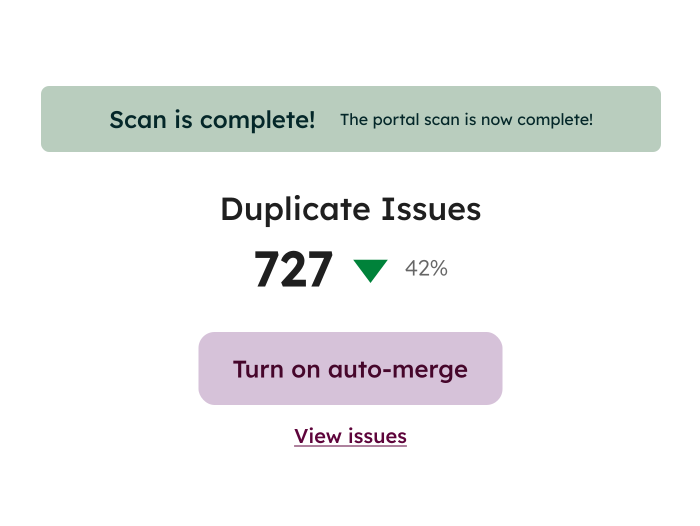
Data Hub - Data Quality Command Center

What you get

  • Web & Email Templates: Custom website pages, landing pages, blog templates, and drag-and-drop email templates.
  • Live Marketing Campaigns: Full campaign structures, active forms, lead flows, and hosted media files.
  • Automations & Logic: Workflow logic, active lead-nurturing paths, autoresponders, and internal task alerts.
  • Audiences & Segmentation: Active contact lists, smart list logic, target persona definitions, and lifecycle stages.
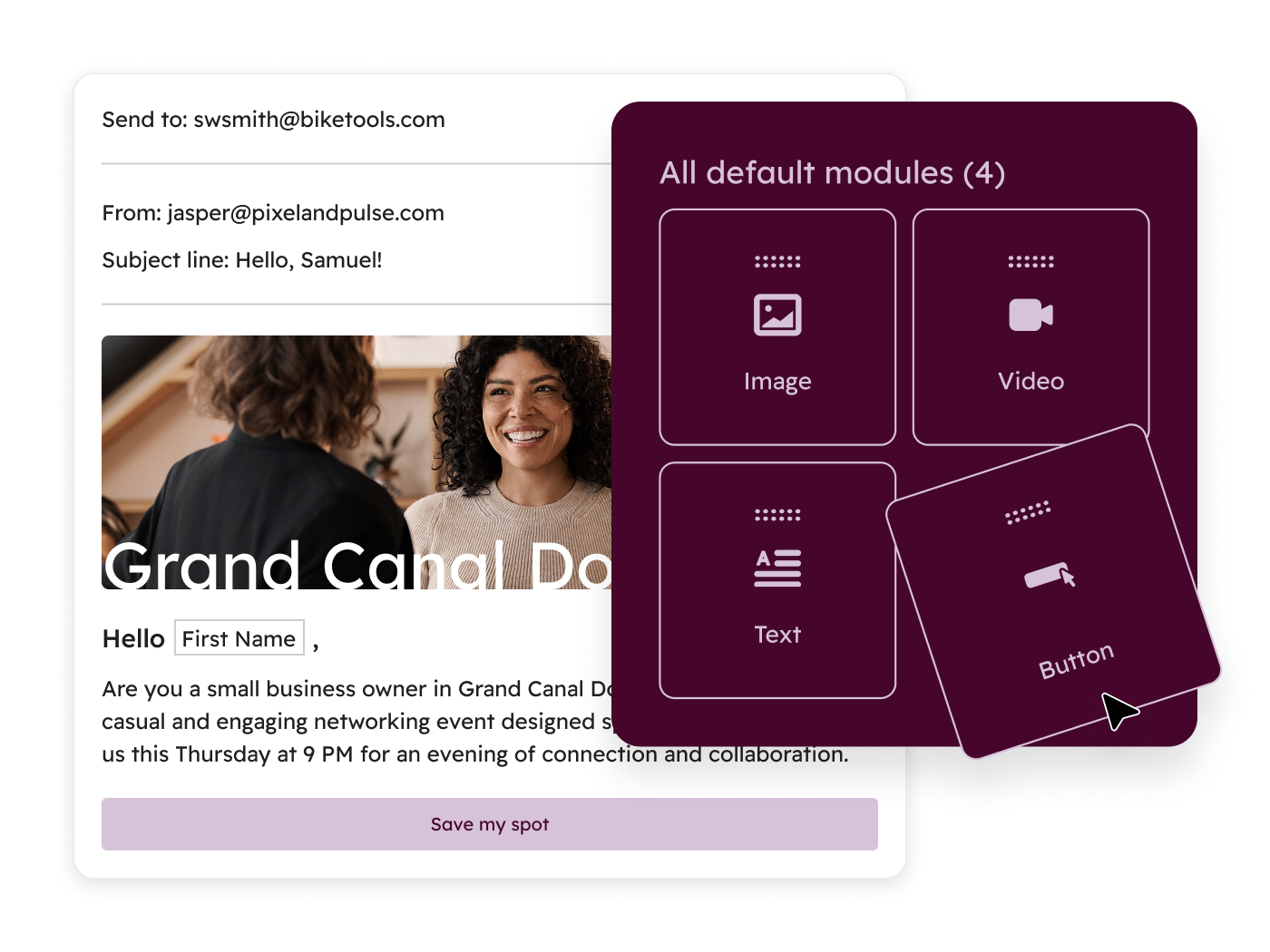
MH_Email_EmailBuilder_en_01162026
Supported Platforms & Legacy Systems

Agnostic migration engineering for any source platform

We move companies off legacy, enterprise, and niche software platforms into HubSpot. If your software allows data extraction, our team can migrate it.

CRM & Sales Systems Salesforce, Microsoft Dynamics 365, Pipedrive, Zoho CRM, SugarCRM
Marketing Automation Pardot, Marketo, ActiveCampaign, Mailchimp, Constant Contact
Customer Support & Service Zendesk, Freshdesk, Help Scout, Intercom
Content & Web Platforms WordPress, Drupal, Webflow, Squarespace, custom CMS builds
System integration

Looking to keep your current software alongside HubSpot instead of retiring it?

The Migration Process

A structured pathway to full platform cutover

We follow a clear, repeatable engineering framework to ensure zero record loss and total operational continuity during your move to HubSpot.

01 Step 1

Discovery & Technical Audit

We inventory your existing database, map custom objects, and inspect all active marketing and sales assets in your source platform.

02 Step 2

Requirements & Mapping Blueprint

Our team builds a comprehensive data map and asset inventory, defining how every field, template, and automation translates into HubSpot.
03 Step 3

Sandbox Staging & Asset Rebuilds

We build your templates, recreate your workflows, and test data transformations inside a secure staging environment (when applicable).

04 Step 4

Data Extraction & Cleaning

We extract your historical records, run automated deduplication scripts, and clean field values before pushing data into HubSpot.

05 Step 5

Sample Import & Validation

We perform test imports using sample data batches to verify that associations, pipeline stages, and properties match your blueprint.

06 Step 6

Full Migration & Final Cutover

We execute the complete data transfer, deploy your live assets, clear sync errors, and hand off a fully validated HubSpot portal.

Migrating vs. Integrating

Choosing the right technical path

Not sure whether you need a complete migration or an ongoing integration? Here is how to determine the right service for your software strategy.

Feature / Capability System Migration Custom Integration
Primary Objective Retire a legacy tool and consolidate into HubSpot Connect an active system to exchange data with HubSpot
System Status The source platform is shut down after cutover Both software platforms remain active and connected
Scope of Work Moves historical data, templates, forms, and workflows Syncs active records, custom fields, and real-time triggers
Best For Replacing outdated software or reducing tech stack costs Keeping specialized tools like ERPs or support portals in sync
Top 1%
HubSpot Elite Solutions Partner
The highest partner tier, globally
4.9/5
Star rating from clients
1,100+ reviews in the HubSpot Marketplace
1,000+
B2B clients scaled
Growth systems built since 2009
SOC 2
Type II & HIPAA compliant
Full attestation and security compliance
FAQ

Common questions about HubSpot migrations

Will my sales reps lose their historical call notes and activity logs?
No. We map and migrate historical activity records including past sales emails, meeting logs, call notes, and task histories directly into your HubSpot contact timelines.
Can you recreate our exact website and email designs in HubSpot?

Yes. Our team can rebuild your custom web templates, landing pages, and email designs directly inside HubSpot's drag-and-drop editing framework so your marketing team can manage them easily.

How do you handle active automations during the transition?

We audit your existing drip campaigns, autoresponders, and internal routing logic in your source platform. Then, we rebuild and test those exact workflow rules in HubSpot before you turn off your old software.

How long does a full portal migration take?

Timeline depends on database volume, custom object complexity, and the number of assets being rebuilt. Most full migrations take between 8 to 12 weeks from initial discovery to final platform cutover.